
You want to try AI, but you can’t quite take the first step. If I had to guess the most common reason, it’s this one: you don’t know how to give it instructions.
Some people see the word “prompt” online and freeze up. It sounds difficult. It sounds like you have to write some kind of magic spell in exactly the right shape, or the machine won’t obey you.
Let me say this plainly. I do nothing difficult like that. I just talk, the way I’d talk to a friend I’m asking for advice.
Today I want to show you what my exchanges with my AI partner Kuro (Claude) actually look like — the raw feel of it. I think once you see it, your shoulders will drop and you’ll think, “Oh. It’s allowed to be this casual.”

Tip 1: You don’t have to explain everything. Get asked instead
When people use AI, most of them think: “I have to give good instructions.” “I have to explain this properly.” I was the same at first. I was convinced I had to put everything in my head into words and hand it over.
Then one day it hit me. I didn’t need to do the explaining at all.
Say I want to write a blog post. Here’s how I open:
I want to write an article about building that video editing tool for my fishing footage. What should be in it? Could you ask me what you need to know?
The important part is the last bit — could you ask me? Instead of explaining everything from one to ten myself, I get the AI to ask the questions.
And the questions come back. Who are you writing this for? Is there a particular failure you most want to share? What do you want the reader to do after they finish reading? I don’t have to strain to think of anything. It interviews me. I just answer, one small piece at a time. And somehow, by the end, all the raw material for the article is sitting there.
This feels less like giving orders and more like asking for advice. Even if you’re bad at explaining things, answering questions someone put to you is much, much easier.
If you can’t explain it well, just ask it to ask you. That was the first, and most important, trick I learned.
Tip 2: It doesn’t have to be polished writing. Spoken words are fine
Here’s the other big feature of how I work. I don’t type careful sentences on a keyboard. I use voice input and say whatever comes to mind, in plain spoken language.
So what I send to the AI is honestly pretty sloppy. My verbal tics are still in there — “um,” “something’s off about this.” Sometimes the grammar is a mess.
It still picks up what I mean. Here’s a real example of how I talk:
That article from before — the title feels kind of stiff, you know? Can you make it more, like, eye-catching?
Even I’ll admit that’s vague. But it lands. Kuro comes back with “How about a title like this?” and gives me a few options.
A lot of people tense up when they talk to AI, thinking they have to write in proper, correct sentences. You don’t. Say the thing that popped into your head, exactly as it popped in. That’s enough. If anything, honest words carry what you actually want better than formal ones do.
(I’ve written in detail elsewhere about how I use voice input. Since it turns speech straight into text, it pairs perfectly with this kind of messy talking.)
Tip 3: Don’t try to settle it in one shot. Play catch
This is probably the most important one of all.
People who struggle with AI try to get a perfect answer on the very first try. Then, when the answer isn’t what they pictured, they get disappointed — “AI is useless” — and stop.
But that isn’t how you really use it. You don’t settle it in one go. You go back and forth many times, inching toward what you want. It’s a game of catch.
Using the title example from before, it goes like this.
- AI: “How about titles like these?” (roughly three options)
- Me: “Oh, number two is good. But I don’t need the word ‘complete.’ Make it simpler.”
- AI: “Here’s a shortened version.”
- Me: “Yes! That’s it. Let’s go with that.”
That’s how it works — “I like this,” “this part is wrong,” “use that one instead” — trimming and adding a little at a time through conversation. And you end up somewhere better than you could have reached on your own.
The key is not holding back. If you don’t like what the AI gave you, say “no” clearly. “It feels flat.” “Brighter.” “Too formal.” However rough your reaction is, it takes it and adjusts. It’s an AI, so no matter how many times you reject its work, it never makes a face about it. That’s an ease you can’t get with a human being.
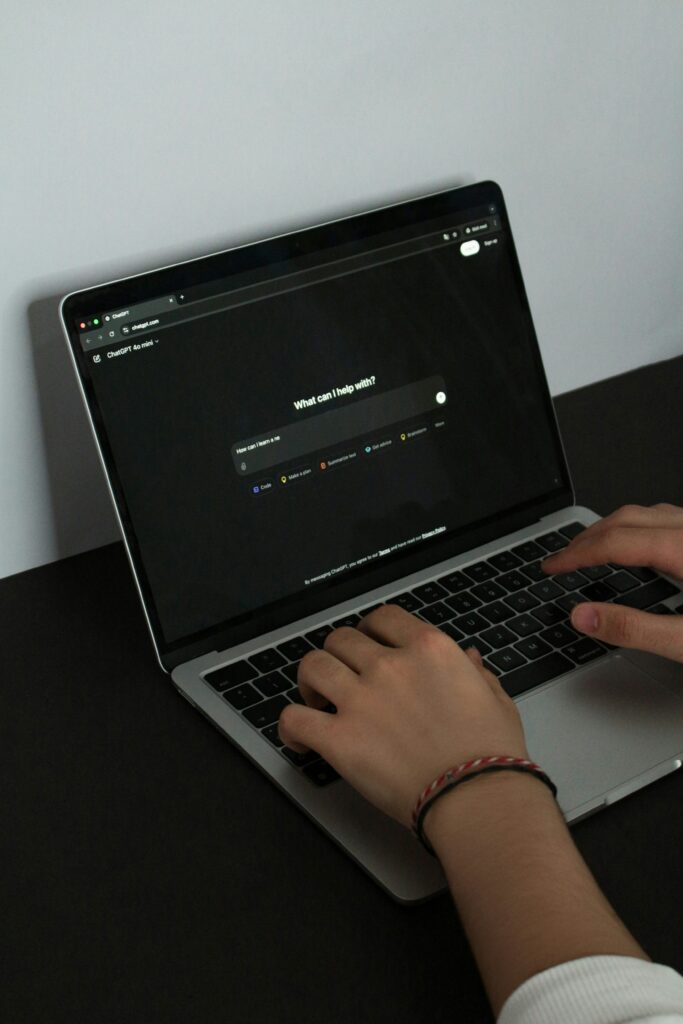
AI isn’t something you give perfect orders to. It’s a partner who thinks with you
Here is what I’ve worked out from spending time with AI.
It isn’t a machine where you issue a flawless command and it executes exactly that. It’s a partner — you ask each other about the things you don’t know, and you find the answer together.
So there’s no need to brace yourself. You don’t need skillful instructions. You only need these three things:
- If you can’t explain it well, ask it to ask you questions.
- Don’t worry about pretty language. Spoken words are fine.
- Don’t settle it in one shot. Fix it by playing catch.
Once that casualness clicks, AI gets a lot closer to you.
This very article is a case in point. I said something sloppy to Kuro — “I want to write an article about how to talk to AI” — and it came back with “How about this structure, then?” and we went back and forth: “Nice, but change this part.” It’s the thing I’ve been describing here, done in practice.
Your first sentence can be as simple as, “Hey, I want to do X — how should I go about it?” The conversation with your partner starts right there.
Next time I’ll go back to records of things I’ve actually tried with AI. I hope you’ll join me.
If you want to read more in this direction, I’ve written about why I think of AI as a partner rather than a guru, and about the project I mentioned above — building a video editing tool with AI when I can’t write code.